> ## Documentation Index
> Fetch the complete documentation index at: https://docs.turtle.xyz/llms.txt
> Use this file to discover all available pages before exploring further.
# Client Portal
> Set up your organization in the Turtle Client Portal, then route to the product that fits what you are here to do.
The [Client Portal](https://dashboard.turtle.xyz) at dashboard.turtle.xyz is where every Turtle partner sets up their organization, manages their team, and reaches the tools for the product they use. One org, one login, then a fork: protocols that want to attract liquidity go one way, distributors that want to earn revenue by surfacing Turtle opportunities go the other.
This page covers the portal-wide setup that everyone does, then points you to the right product. It does not re-explain those products; the links below go to their own overviews.
 ## Set up your organization
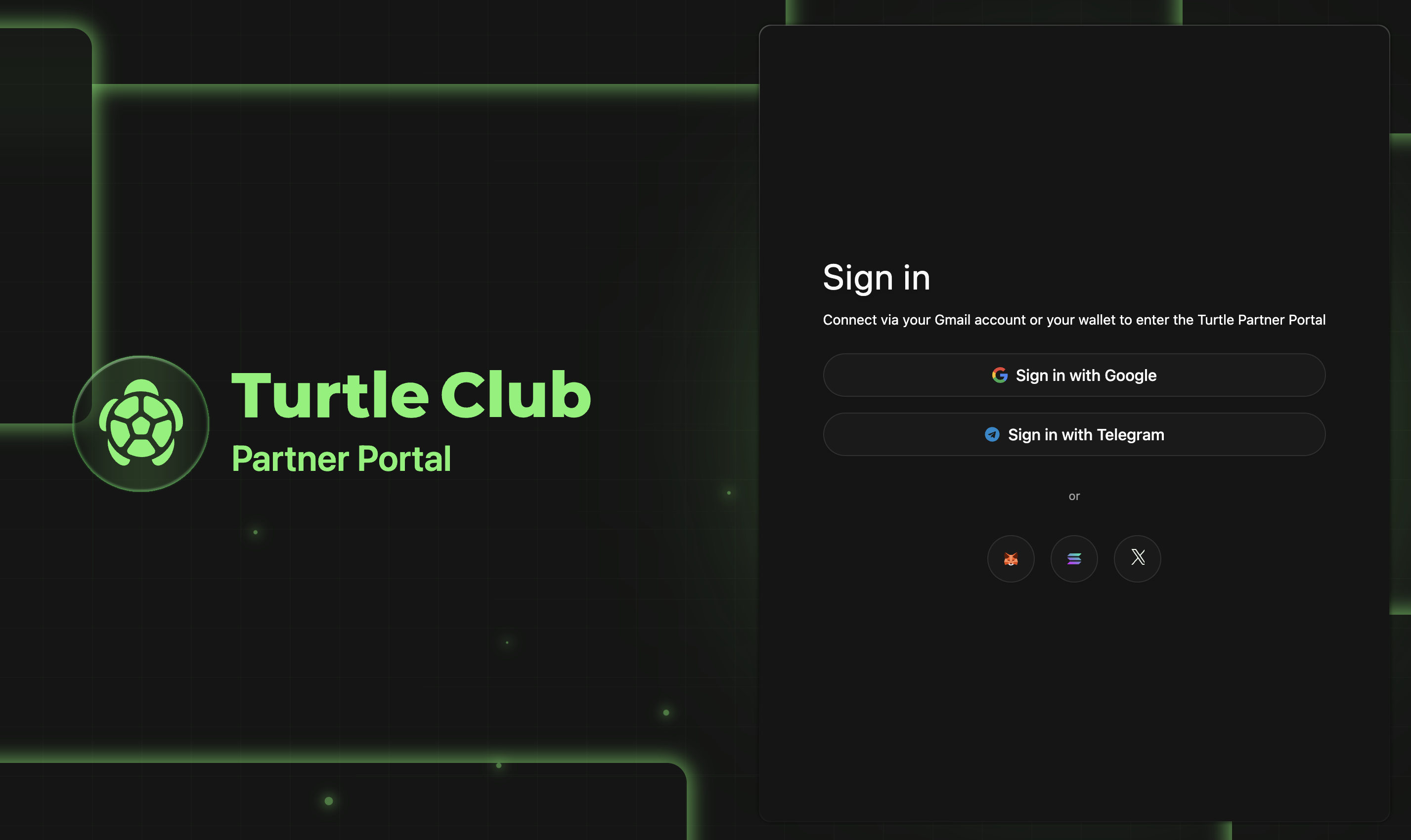
Sign up at [dashboard.turtle.xyz](https://dashboard.turtle.xyz/sign-in) with your email and wallet, then create your organization with your team, roles, and workspace.
A master services agreement (MSA) is signed during org setup. It is required before most product actions, including creating a stream or launching a liquidity campaign.
Creating an org starts a know-your-business (KYB) check and an integration fee invoice. The Turtle team approves new organizations before granting access to dashboards and API keys.
Invite teammates and assign roles for your organization. Team and role management is portal-wide and applies across whichever product you use.
## Choose your path
What you do next depends on why you are here.
You run a protocol or vault and want to bring in liquidity. If you want Turtle to structure terms and source liquidity for you, start with [Liquidity Campaigns](/liquidity-products/turtle-deals). If you want to run your own self-serve incentive campaign, start with [Streams](/partner-products/streams/overview).
You have an audience and want to earn revenue by surfacing Turtle vault opportunities to them. Start with [Turtle Earn](/partner-products/turtle-earn) for the no-code and API integration paths.
For protocols running their own campaigns instead of a Turtle-sourced liquidity campaign, the self-serve path is [Streams](/partner-products/streams/overview).
## Set up your organization
Sign up at [dashboard.turtle.xyz](https://dashboard.turtle.xyz/sign-in) with your email and wallet, then create your organization with your team, roles, and workspace.
A master services agreement (MSA) is signed during org setup. It is required before most product actions, including creating a stream or launching a liquidity campaign.
Creating an org starts a know-your-business (KYB) check and an integration fee invoice. The Turtle team approves new organizations before granting access to dashboards and API keys.
Invite teammates and assign roles for your organization. Team and role management is portal-wide and applies across whichever product you use.
## Choose your path
What you do next depends on why you are here.
You run a protocol or vault and want to bring in liquidity. If you want Turtle to structure terms and source liquidity for you, start with [Liquidity Campaigns](/liquidity-products/turtle-deals). If you want to run your own self-serve incentive campaign, start with [Streams](/partner-products/streams/overview).
You have an audience and want to earn revenue by surfacing Turtle vault opportunities to them. Start with [Turtle Earn](/partner-products/turtle-earn) for the no-code and API integration paths.
For protocols running their own campaigns instead of a Turtle-sourced liquidity campaign, the self-serve path is [Streams](/partner-products/streams/overview).